Copper
SoftwareA CRM built for Google Workspace that logs your Gmail and Calendar activity automatically.
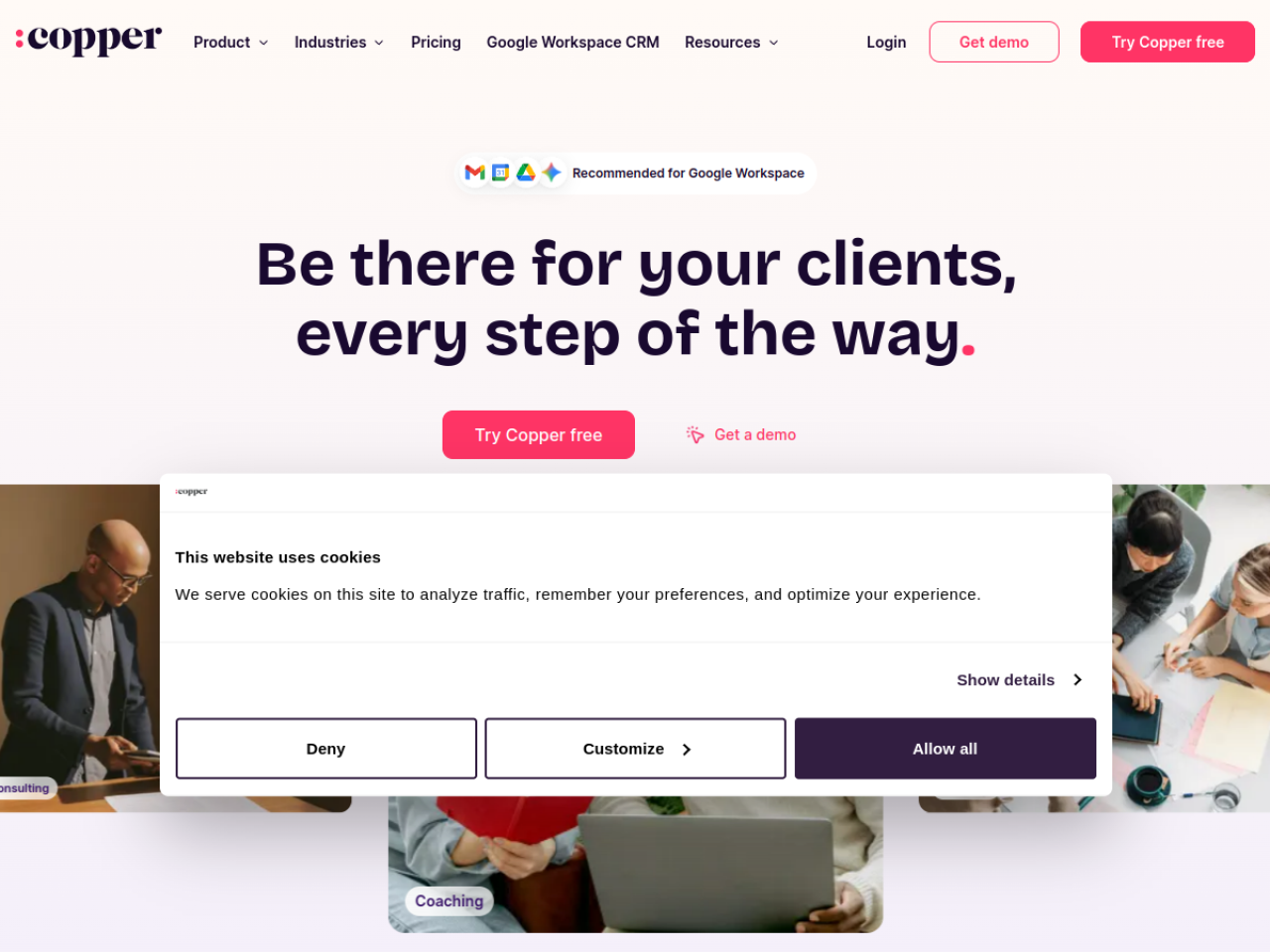
About Copper
Copper is a CRM built for relationship-driven, service businesses — and famous for living right inside Google Workspace. Instead of forcing you into yet another app, it works within Gmail, Google Calendar and Drive, so managing contacts, deals and follow-ups happens where your team already spends the day. It's used by 30,000+ companies that value simplicity and speed over bloated enterprise CRMs.
What is Copper?
Copper is a cloud CRM that manages the full customer journey — from capturing a lead through closing a deal to delivering the project and earning repeat business. It centralizes contacts, provides drag-and-drop pipelines with AI-powered alerts, automates communication and tasks, and even converts closed deals into service projects, all with deep Google integration at its core.
Who it's for
Copper targets relationship-first businesses: service agencies and consultancies, construction firms, media and content creators, financial services professionals, and small teams that want a straightforward CRM. If your business runs on long-term client relationships and lives in Gmail, Copper is squarely aimed at you.
Key features
- Centralized contact and relationship management
- Drag-and-drop pipelines with AI alerts and win-probability tracking
- Email series, automated workflows and lead-capture forms
- Call and SMS logging with recurring task reminders
- Project delivery: checklists and deal-to-project conversion
- Custom reporting, revenue projections and trend analysis
- Native iOS and Android apps with automatic call/SMS logging
- Deep Google Workspace integration and a Chrome extension
A CRM inside your inbox
Copper's defining strength is that it works within Google Workspace rather than beside it. You manage contacts and deals directly in Gmail, see CRM context on your calendar and Drive files, and never tab-switch to a separate tool. For teams already invested in Google, that embedded approach dramatically cuts friction and training — one customer got up and running in three days versus three months with a competitor.
Manage the whole relationship
Copper isn't just about closing deals; it follows the relationship afterward. Closed deals convert into service projects with task checklists, an activity feed keeps the team aligned, and collaboration tools support cross-functional delivery. For agencies and consultancies, that means one system spans lead, sale and delivery — instead of a CRM for sales and a separate tool for the work that follows.
Automate the busywork
Copper reduces manual effort with email series, automated workflows, form-based lead capture, and automatic logging of calls and SMS — especially via the mobile app, so on-the-go activity is recorded without typing. AI-powered pipeline alerts and win-probability indicators help reps focus on the deals most likely to close, keeping the pipeline honest and the team's attention where it counts.
Connected to your stack
Beyond Google, Copper integrates with LinkedIn for prospect research, Slack for notifications, QuickBooks for financials, PandaDoc and DocuSign for documents, JustCall for calls, Zapier for automation, and 100+ more via its API. Combined with the Chrome extension for managing contacts while browsing or on LinkedIn, that connectivity lets Copper sit naturally at the center of a service business's toolkit.
Why choose Copper
For service and relationship-driven businesses that live in Gmail and want a CRM that's fast to adopt, Copper is an excellent fit. Its deep Google Workspace integration, full lead-to-delivery coverage, sensible automation and broad connectivity make it a practical, low-friction way to manage relationships — without the complexity that makes so many CRMs go unused.
Tags
Ratings & reviews
No ratings yet
Be the first to rate Copper — your honest take helps others decide.
- No reviews yet — be the first to rate Copper.
Similar softwares

Google Maps Scraper
Chrome extension that exports Google Maps business leads to CSV or XLSX
GMB Scraper
Chrome extension that turns public Google Maps listings into a clean CSV or XLSX for outreach and local SEO.

Prospect Signal
250 researched local-business prospects for $59, 500 for $99, 1,000 for $179. Built for web designers, SEO freelancers and agencies.
Compare Copper
Similar software
Streak
A CRM that lives inside Gmail — track deals through pipelines and log email automatically, without leaving your inbox.
Salesmate
A sales CRM with pipeline management, built-in calling, email and automation for small and mid-sized teams.

Salesflare
An intelligent CRM that fills itself in automatically, so small sales teams spend time selling, not on data entry.

Onevyu
Conversation CRM for coaches who close in DMs
Bigin
A simple, pipeline-focused CRM by Zoho, built specifically for small businesses.
Capsule CRM
A simple, easy-to-use CRM for small businesses to manage contacts, sales and tasks.
Related reads
The Tool Sprawl Tax: Why Small Service Businesses Pay for Five Apps to Do One Job
Five apps, five logins, and a tax most small operators never see itemized. Here's the real bill of tool sprawl for service businesses, and how to close the seams.

Best POS Software for Retail, Restaurant & Pharmacy | Hulm POS
Compare POS software for retail, restaurants and pharmacies in Pakistan. Learn which features, FBR tools, inventory controls and pricing matter.
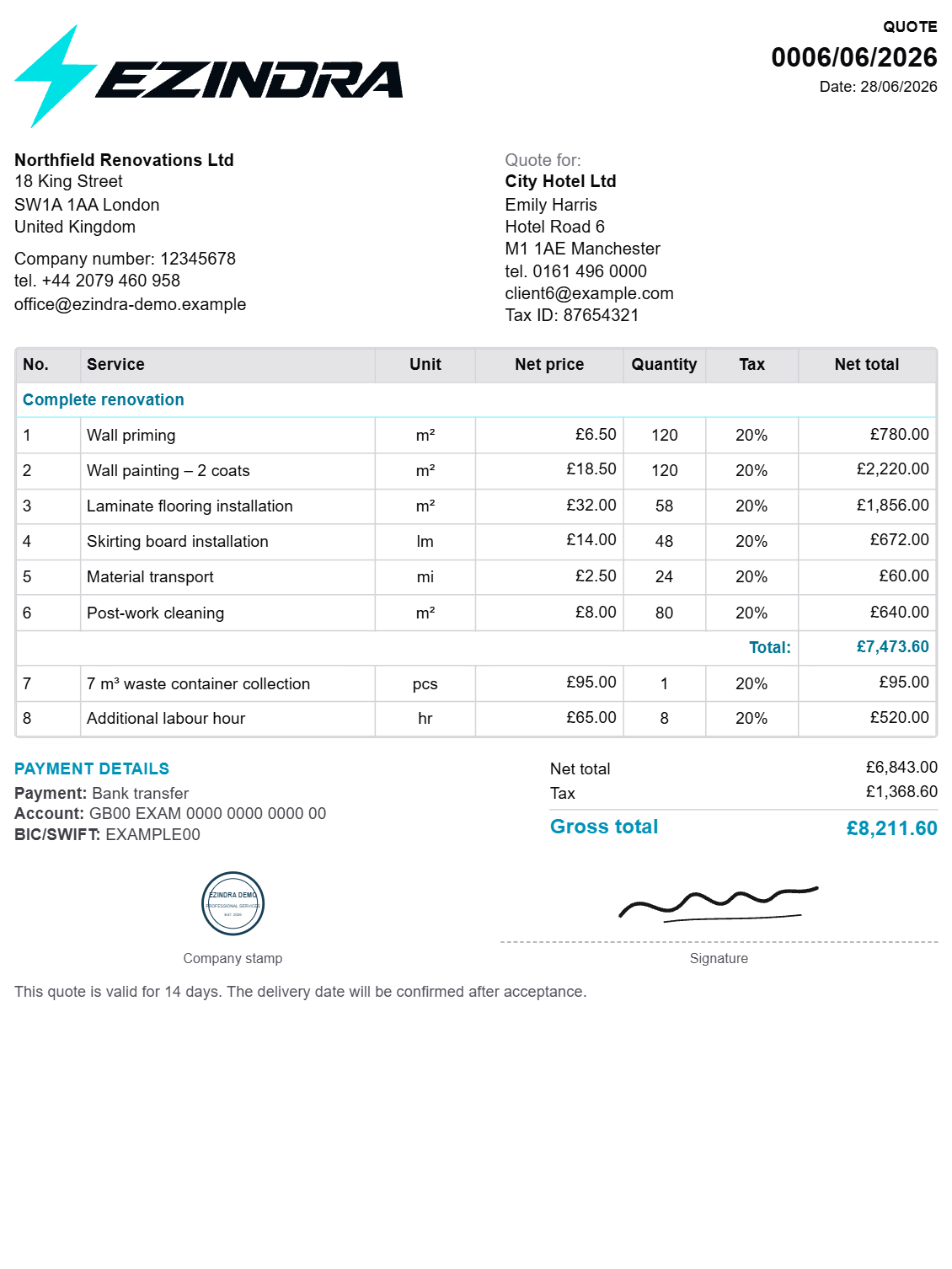
How to Create Professional Quotes Faster: A Practical Guide for Service Businesses
Learn how service businesses can streamline estimates, create professional quotes, and track client responses without relying on spreadsheets and manual documents.
Community discussion (0)
Ask questions, share tips, or compare notes with other Copper users.