SmartToolsPro
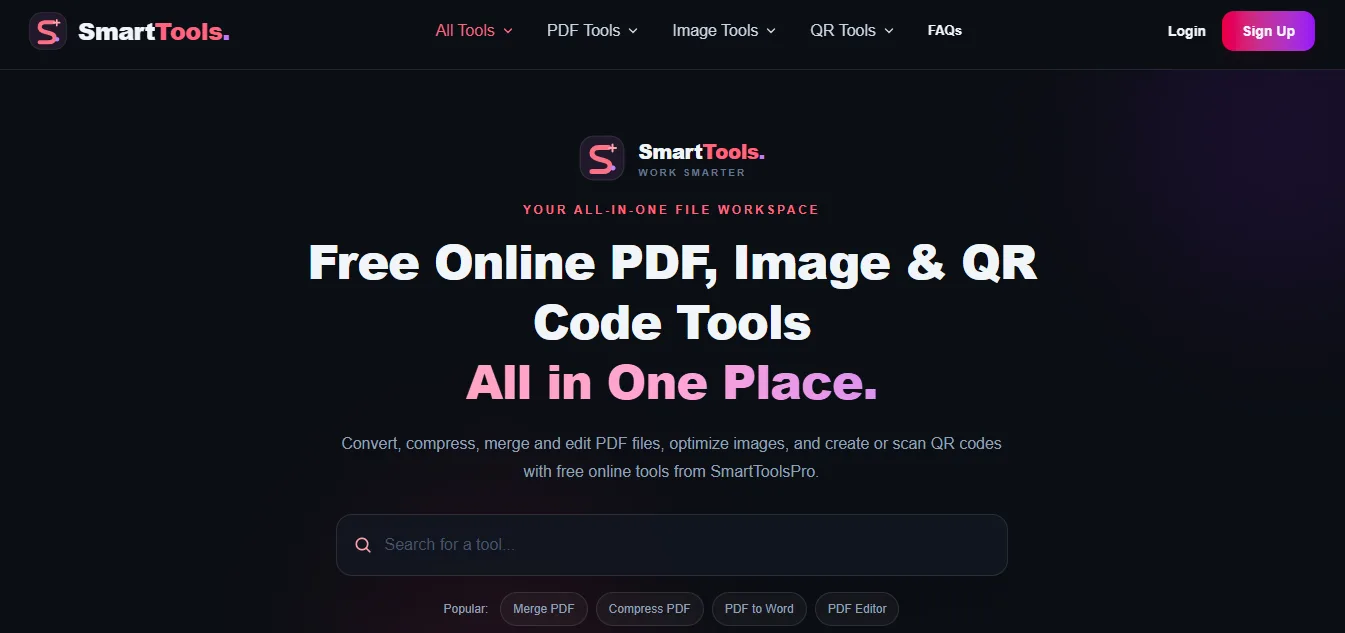
SoftwareNewUse free online PDF, image and QR code tools with SmartToolsPro. Compress, merge, convert, edit and manage files quickly and easily.
About SmartToolsPro
# The Story Behind SmartToolsPro
SmartToolsPro started with a simple idea: everyday digital tasks should not require installing complicated software or visiting multiple websites.
People frequently need to merge PDF files, convert documents, reduce file sizes, edit images, resize pictures, or create QR codes. Finding separate tools for each task can be time-consuming and inconvenient.
To solve this problem, I built SmartToolsPro — an online platform that brings these everyday utilities together in one place.
Today, SmartToolsPro offers 37 tools across three main categories:
**PDF Tools:** Merge, split, compress, organize, convert, edit, protect, unlock, repair, and manage PDF documents.
**Image Tools:** Convert, resize, compress, enhance, edit images, and remove backgrounds.
**QR Code Tools:** Generate custom QR codes, create WiFi QR codes, build business QR codes, and scan existing QR codes.
The goal was not simply to create another collection of online tools. It was to build a practical, easy-to-use platform that helps students, professionals, businesses, and everyday users complete common digital tasks more conveniently.
Building the platform involved developing individual tools, improving their functionality, testing different file workflows, and making the experience accessible across devices.
SmartToolsPro continues to evolve as new improvements and useful features are developed. My focus is on reliability, simplicity, and providing genuinely useful tools without making everyday tasks unnecessarily complicated.
**Website:** https://smarttoolspro.com
SmartToolsPro is an independently developed project built to make everyday PDF, image, and QR code tasks easier for everyone.
What problem it solves
People often need different websites or expensive desktop software to complete simple PDF, image, and QR code tasks. This creates unnecessary complexity, wastes time, and makes everyday digital work inconvenient.
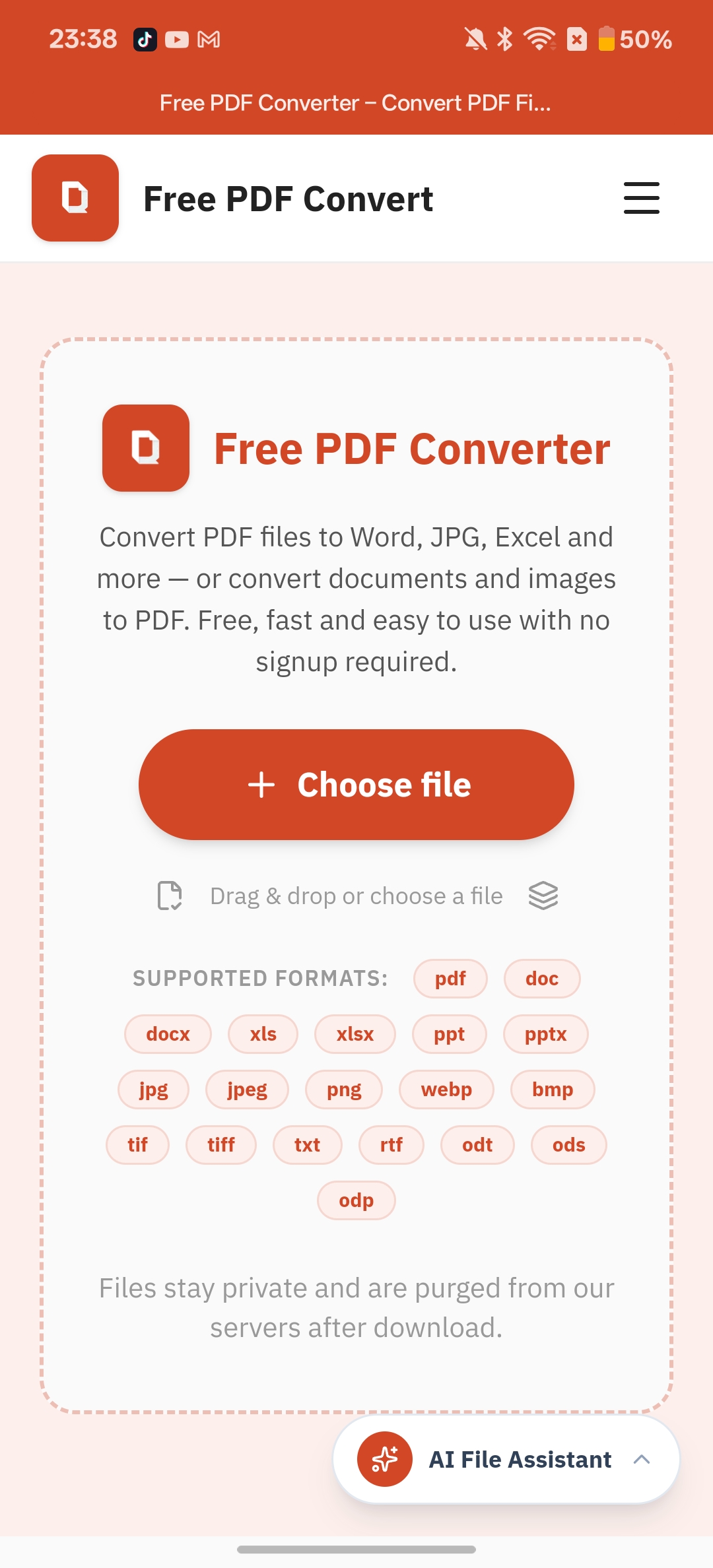
SmartToolsPro solves this problem by bringing 37 practical online tools together in one platform. Users can merge, split, compress, convert, and edit PDFs, resize and enhance images, and generate or scan QR codes without installing complicated software.
It provides a convenient, accessible place to complete common digital tasks quickly and easily.
Alternatives & competitors
iLovePDF, Smallpdf, PDF24 Tools, Sejda, Adobe Acrobat Online, PDF Candy, Canva, and QR Code Monkey.
Built with
Languages
Frameworks
Integrations
Tags
SmartToolsPro FAQ
What is SmartToolsPro?
Use free online PDF, image and QR code tools with SmartToolsPro. Compress, merge, convert, edit and manage files quickly and easily. It's a productivity tool listed on Tolodora with details and real user reviews.
Is SmartToolsPro free?
Yes — SmartToolsPro offers a free plan.
How much does SmartToolsPro cost?
SmartToolsPro uses a free pricing model. See its site for current figures.
Ratings & reviews
No ratings yet
Be the first to rate SmartToolsPro — your honest take helps others decide.
- No reviews yet — be the first to rate SmartToolsPro.
Similar softwares

AgentOS
One company brain for every AI tool your team uses.
Greenly Garden
Photograph a plant and Greenly names it, finds what’s wrong and plans its care by the frost dates of your own garden — from sowing to harvest, with reminders.

Resale IQ
Reseller tools for Vinted, eBay, Depop & more: price checks with a max buy price, fee and shipping calculators, offer planner, listing writer, profit ledger.
Compare SmartToolsPro
Similar software

LaunchNest LN
LaunchNest LN is a product launch platform for SaaS, AI tools, and developer products. Discover new products, launch your own, and grow with a global community.

Time tracker software: automatic, no timer
Time tracker software that runs by itself. No timer to forget: the TimeUno time tracking app records your work, sorts it by project and tracks AI time too.
ButterShare
Share anything, to anyone — no file size limits, no cloud storage, no signup. Direct, encrypted device-to-device transfer on any device.
AIToolister
Discover the best AI tools for writing, coding, marketing, image generation, productivity, and more. Compare features, reviews, and pricing.
Text Differ
Free online tool to compare difference between two texts. Instantly check text similarity and changes line by line, word by word and char by char.
PersonaHaven
Personality tests and practical tools for deeper self-reflection and personal growth.
Related reads
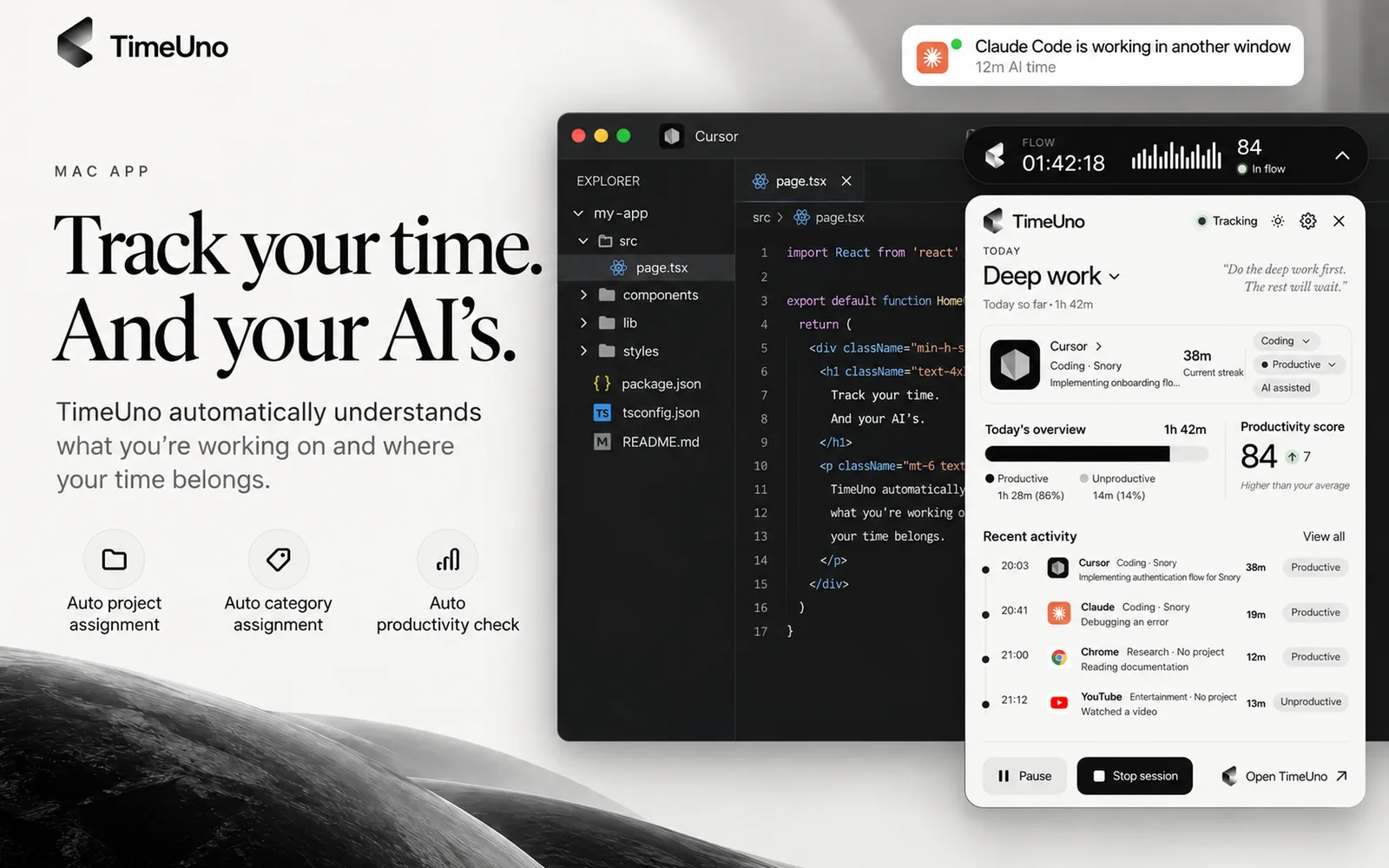
AI agent time tracking: how to count agent hours
AI agent time tracking shows how long Claude Code, Cursor and other agents worked, how long they waited, and how to keep those hours apart from yours.
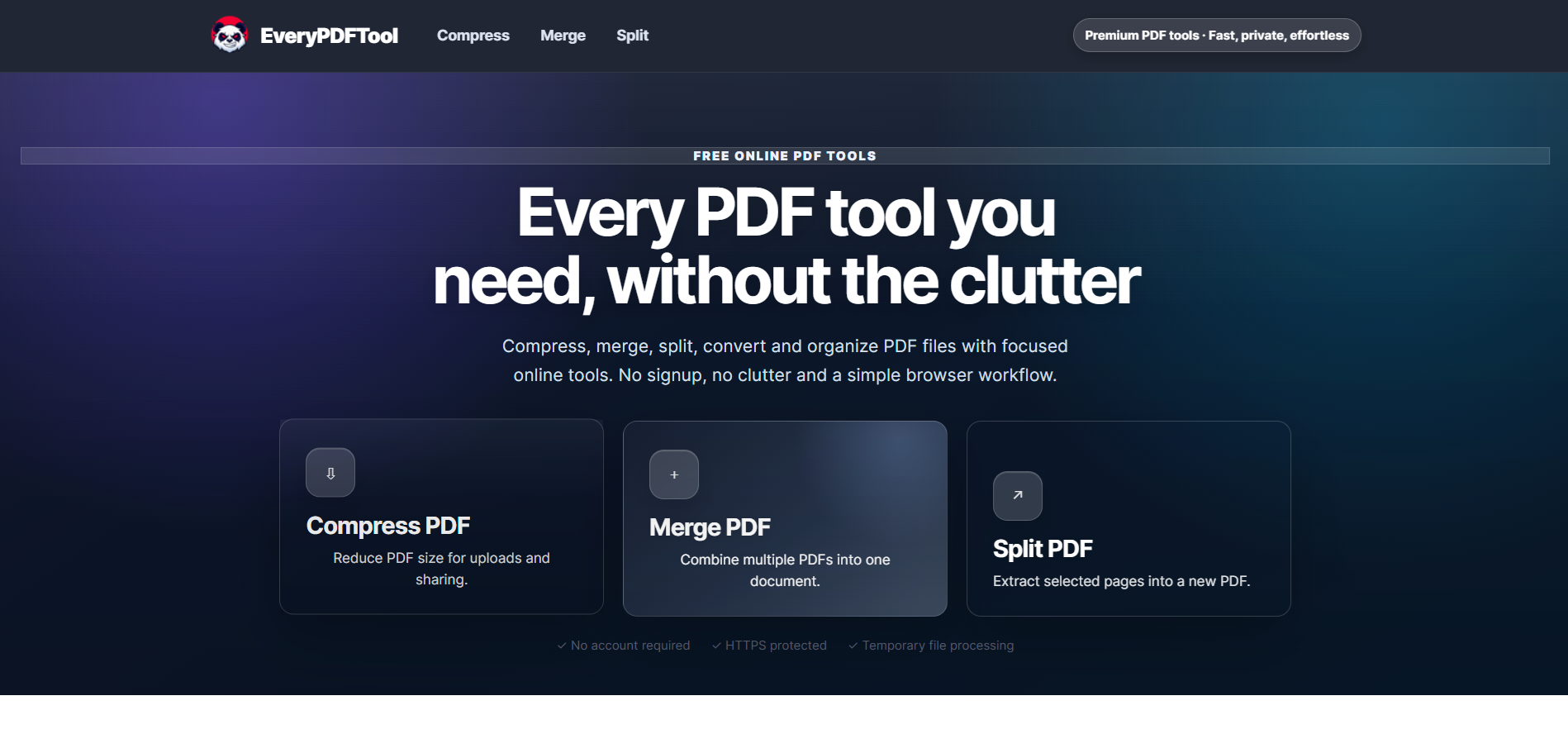
Best Free Online PDF Tools for Everyday Document Tasks
Free browser-based tools to compress, merge, split, convert, organize and analyze PDF files.
Free Online PDF Tools: Convert, Merge, Split & Compress PDF Files
Discover easy-to-use free online PDF tools for converting, merging, splitting and compressing PDF files without installing complicated software
Community discussion (0)
Ask questions, share tips, or compare notes with other SmartToolsPro users.