Max Maker AI
SoftwareNewStart free with Max Maker AI and explore unlimited creative ideas. Create AI videos, edit images, and preview virtual try-on looks in one workspace.

About Max Maker AI
Max Maker AI is a browser-based creative toolkit for making short videos and working with images. It helps creators, small businesses, and marketing teams turn a written idea, a product photo, or a pair of reference images into a clip they can review before committing to a larger edit. A shop owner can sketch a packaging reveal, a creator can test the opening shot for a social post, and a designer can show a teammate how a still image might move.
The free MiniMax H3 video generator is a place to try a single shot. It creates five-second clips with AI-generated audio and can be used without creating an account. You can describe the scene in words or supply two images to guide the opening and ending frames. Choose a widescreen, vertical, or square format, then preview the finished clip in your browser and download it. The free tool processes one video at a time and may ask for verification.
For example, a bakery preparing a holiday gift listing can take two photos from the same angle, one with the box closed and one with the lid open. Those photos give the generator a starting and ending view. A short prompt can ask for the lid to lift while the camera and the contents stay still. The team can then compare the clip with the original photos to see whether the packaging and the number of items look right before using it on the listing.
Max Maker AI also offers tools for photo-to-video creation, image generation, background removal, and old photo restoration. Someone working on a product announcement can start with the photos they already have, prepare another image for the campaign, and try a short motion study. For social content, the same starting idea can be framed vertically for a phone screen or horizontally for a website.
A first project can be as simple as one object and one movement. Describe what should happen, what should stay still, and what the viewer should see in the final frame. Start with the free MiniMax H3 generator if you want to see how that idea plays as a short clip.
What problem it solves
Max Maker AI helps creators and small businesses see how a product photo or a written idea could work as a short video before spending time on a full edit. Its free MiniMax H3 generator turns a text prompt or two reference images into a five-second clip with audio, without requiring an account.
Alternatives & competitors
Pika, Runway, CapCut
Tags
Max Maker AI FAQ
What is Max Maker AI?
Start free with Max Maker AI and explore unlimited creative ideas. Create AI videos, edit images, and preview virtual try-on looks in one workspace. It's a ai tools tool listed on Tolodora with details and real user reviews.
Is Max Maker AI free?
Yes — Max Maker AI offers a free plan.
How much does Max Maker AI cost?
Max Maker AI uses a freemium pricing model. See its site for current figures.
Ratings & reviews
No ratings yet
Be the first to rate Max Maker AI — your honest take helps others decide.
- No reviews yet — be the first to rate Max Maker AI.
Similar softwares
Tarjum
AI-assisted book translation in one workspace
No Scrubs AI
A short music dance scene with your portrait cast, paid once with non-expiring video credits.
UGC Maker AI
Create AI videos from text or start and end images, free with no signup required.
Compare Max Maker AI
Similar software
Backgroundcanvas
One-stop free online image background cleanup and change tool, offering watermark removal, text removal, emoji sticker removal, background swap and cutout.
NG QRCode
Create AI QR codes people actually notice and scan
UGC Maker AI
Create AI videos from text or start and end images, free with no signup required.
AIToolister
Discover the best AI tools for writing, coding, marketing, image generation, productivity, and more. Compare features, reviews, and pricing.

PWZ AI Video Generator
PWZ AI: All-in-One AI Image & Video Generator | Zero Limits
Overchat AI
An all-in-one AI image generator with many top models — GPT Image, Nano Banana, Seedream, Flux and more — in one interface, plus a free tier.
Related reads
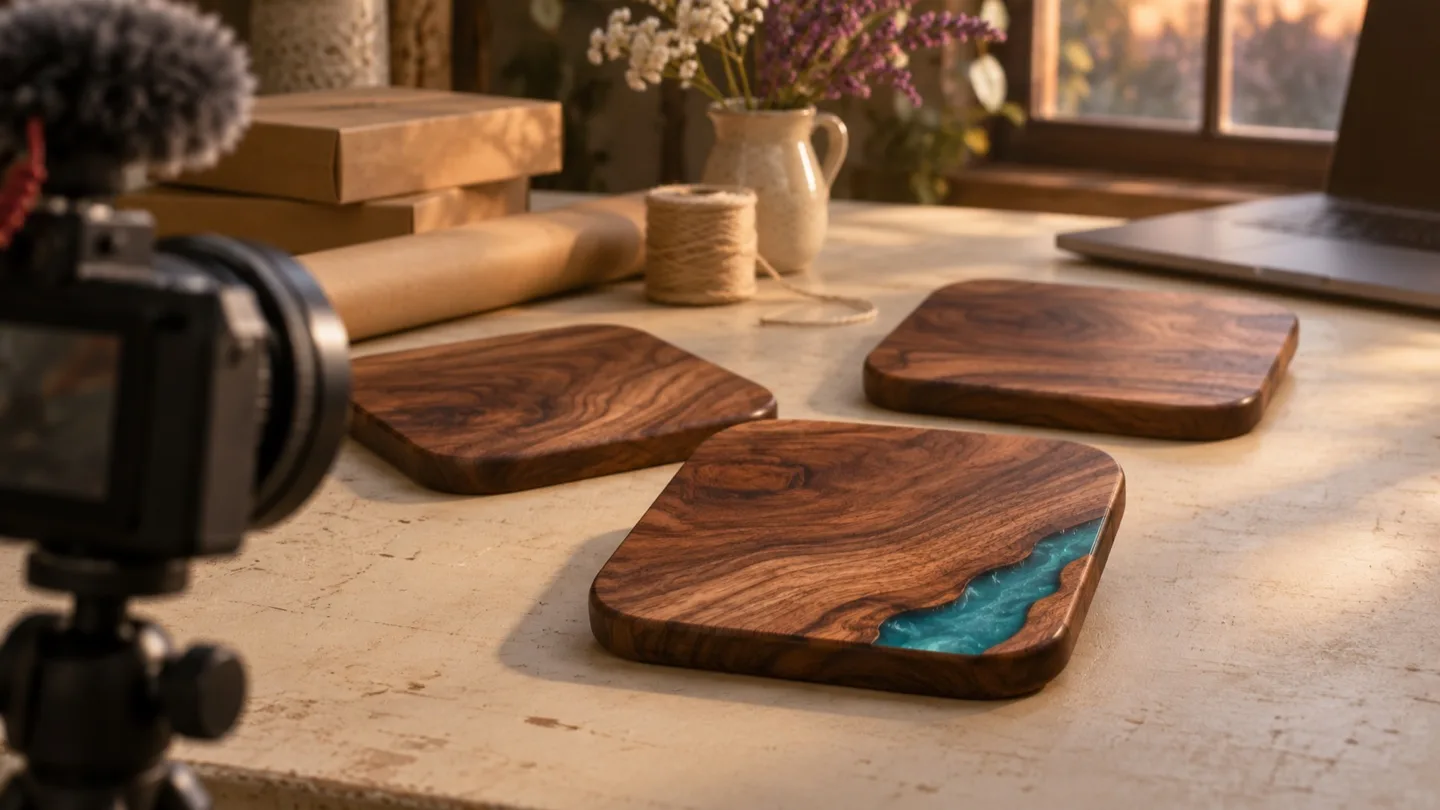
Can I Edit This AI Video Clip for My Friend’s Shop Tonight?
A friend needs a shop clip tonight. Download one AI video, import it into your usual editor, trim the opening, and play the export before sending it over.
What to Test in Five Seconds With a Free AI Music Video Generator That Requires No Signup
A five-second clip can answer a useful production question. Plan one shot, inspect what comes back, and find out what still needs to happen in your editor.
Higgsfield on GitHub: What They Actually Open-Sourced (and What They Didn't)
Higgsfield opened APIs and tools on GitHub in September 2026 — but not its whole site. Here's exactly what's open source, what the new API gives you, and what stays proprietary.
Community discussion (0)
Ask questions, share tips, or compare notes with other Max Maker AI users.